Introducing DDDS - A Dedicated macOS Capture and Recording Software for Your 3DS
I am proud to announce DDDS, capture software for modded 3DS consoles made exclusively for macOS. Give it a download and try it out.
Features
Here are some high level features for the app. You can scroll to the bottom of the page for screenshots and videos.
- Built exclusively for macOS.
- Scale footage on both screens, up to 4K resolution.
- Proper scaling for 3DS, DS, and GBA titles.
- Record screens together or independently, up to 4K in HEVC or Apple ProRes 4444.
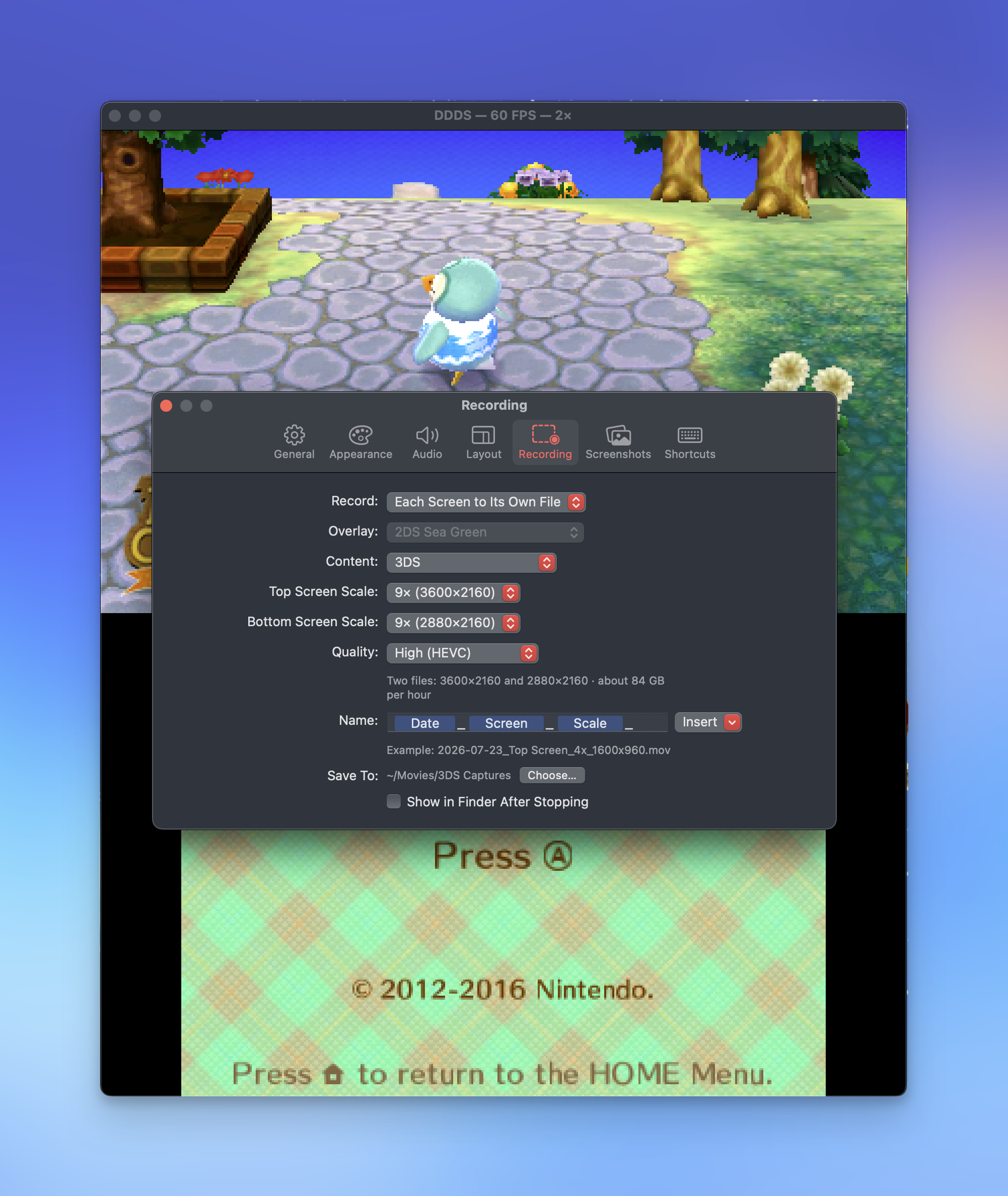
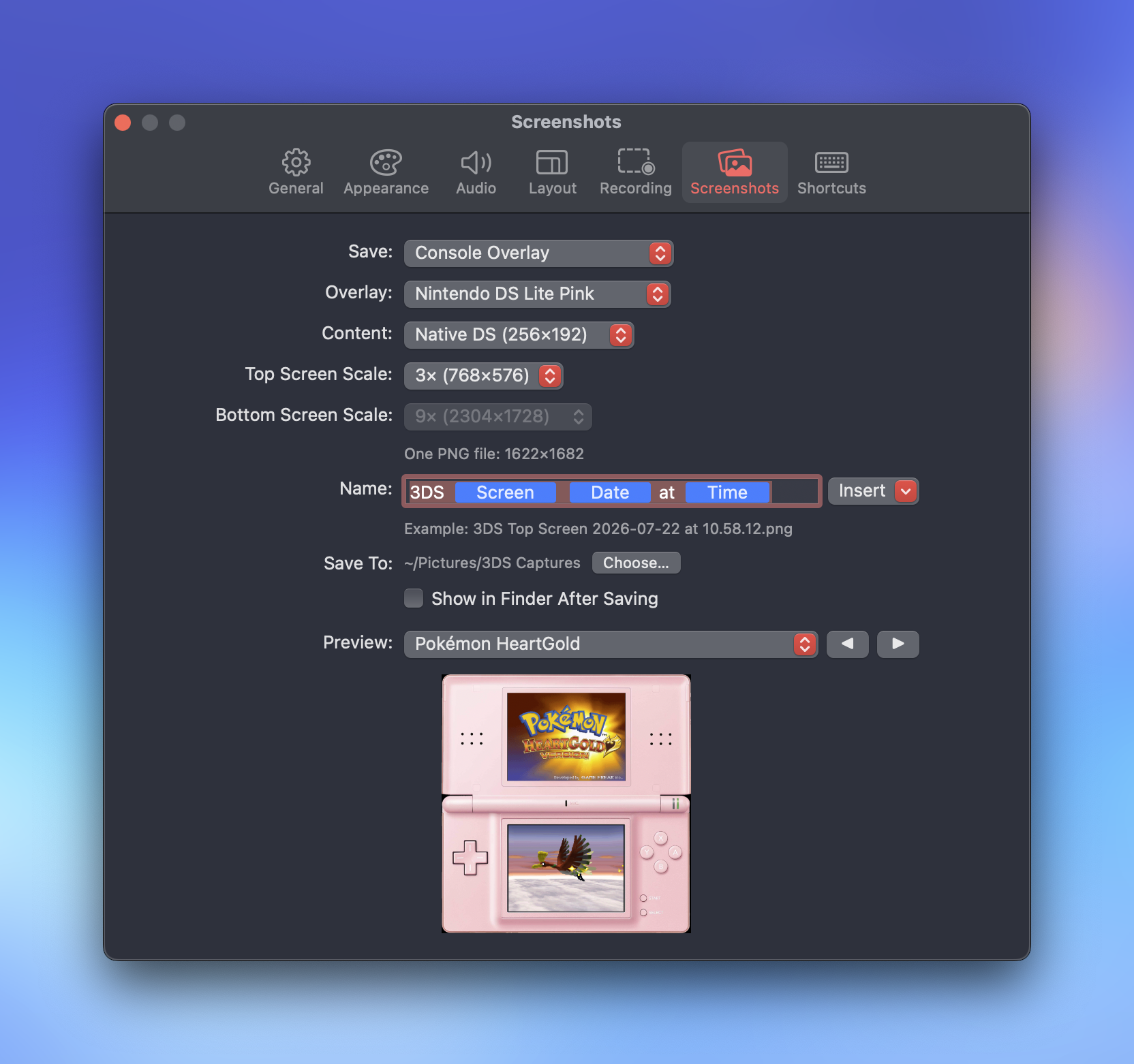
- Customizable recording and screenshot settings.
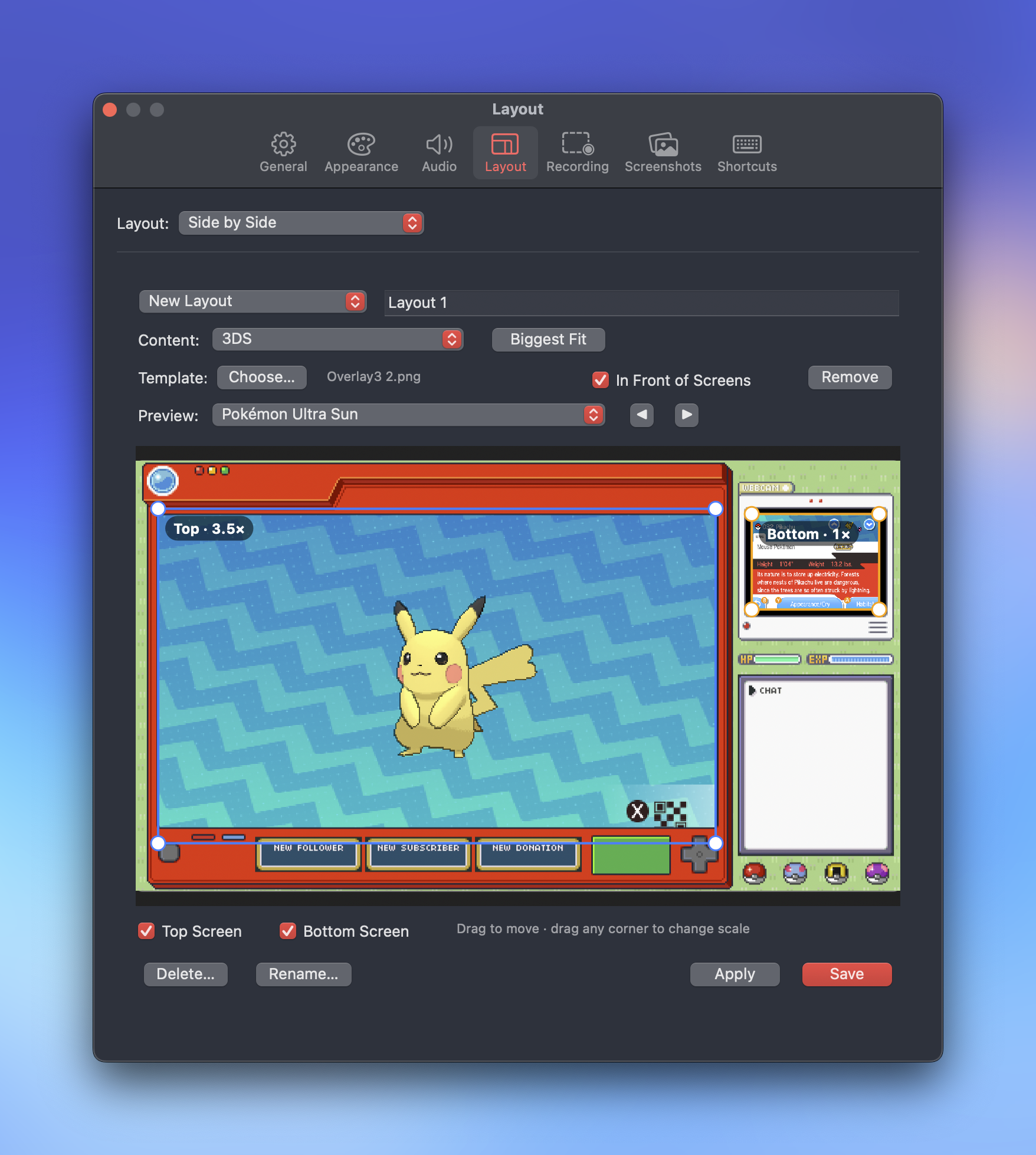
- WYSIWYG layout designer to make your ideal recording or streaming layout.
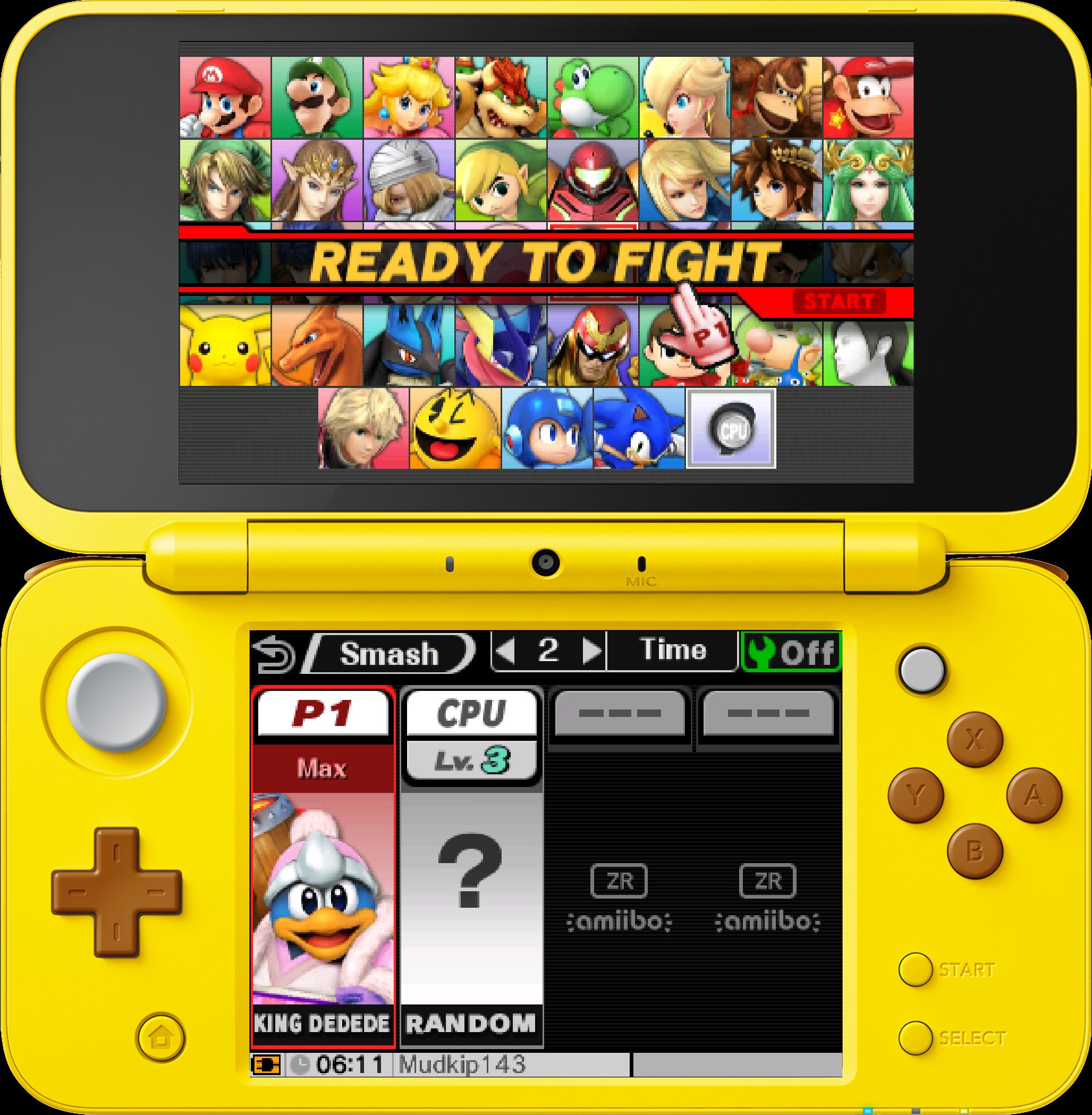
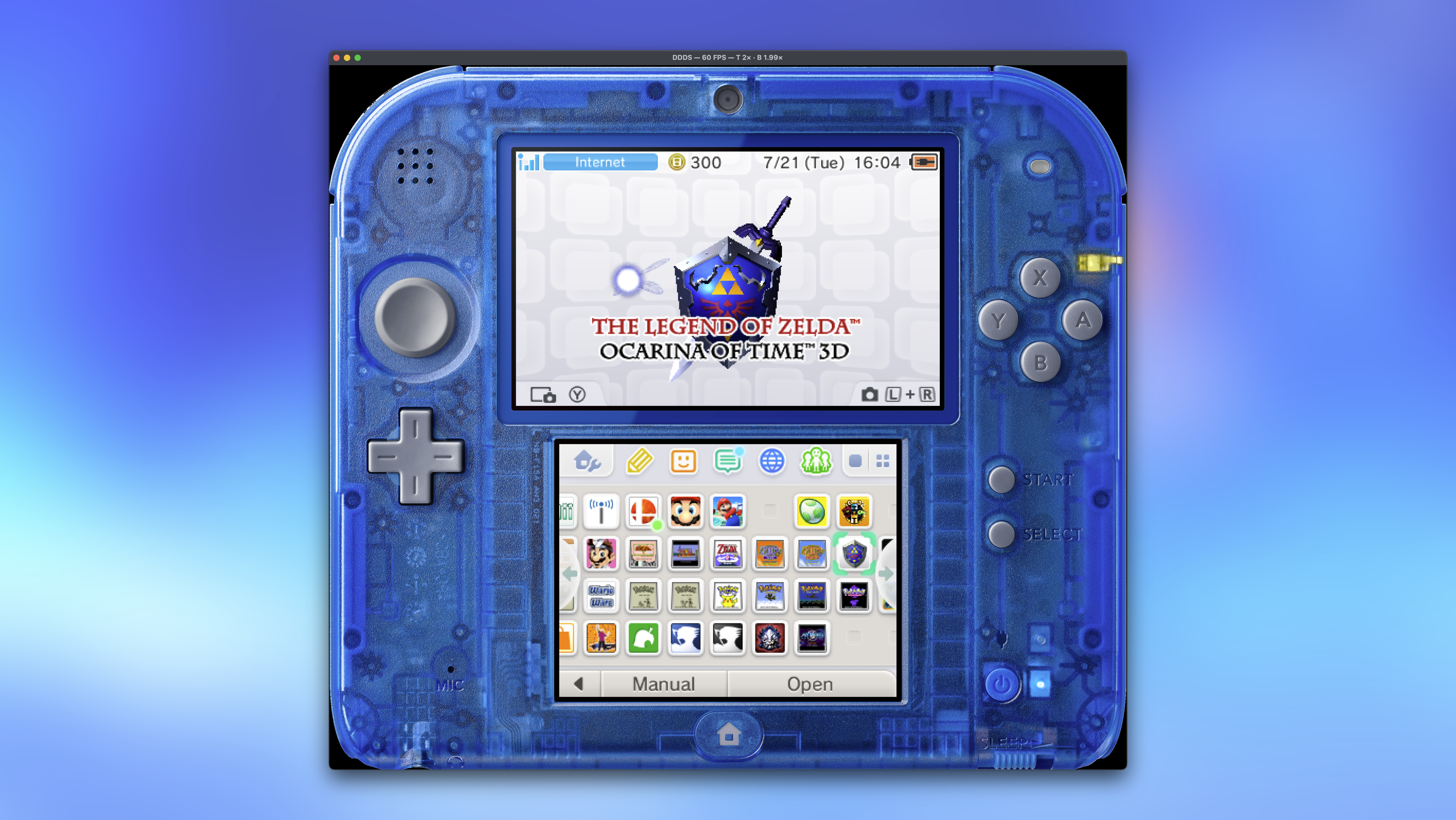
- Integrated hardware overlays for authentic feel and presentation.
- Big Screen mode for playing on a connect television or monitor while keeping your Mac available for use.
Why Make an App?
Why make this? Long time folks that land inside the Venn Diagram of Mac users and video game capture enthusiasts, know that macOS is an oft neglected platform for robust gaming recording software. Sure, there’s OBS or Elgato as major cross-platform efforts, but the Mac never has all the same features and support. The Mac always plays second fiddle to gaming and gaming-adjacent software. Now imagine going into a smaller niche like modded Nintendo 3DS capture and the options become even fewer.
Thankfully, there is an option for macOS called cc3dsfs made by Lorenzooone. It’s multi-platform for Windows, macOS, Linux, and Raspberry Pi. It’s feature packed and works well, but to a Mac user…it’s jank.
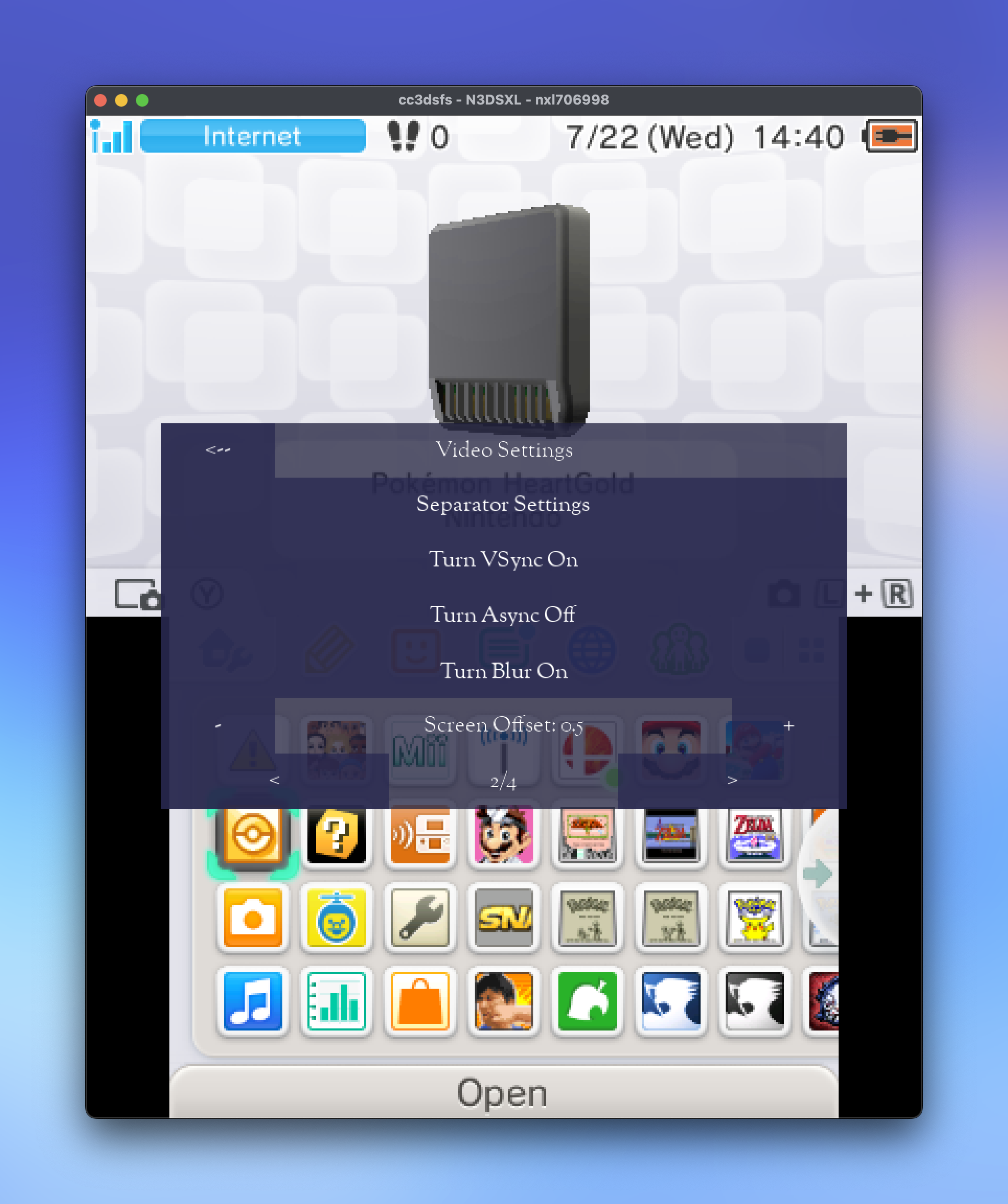
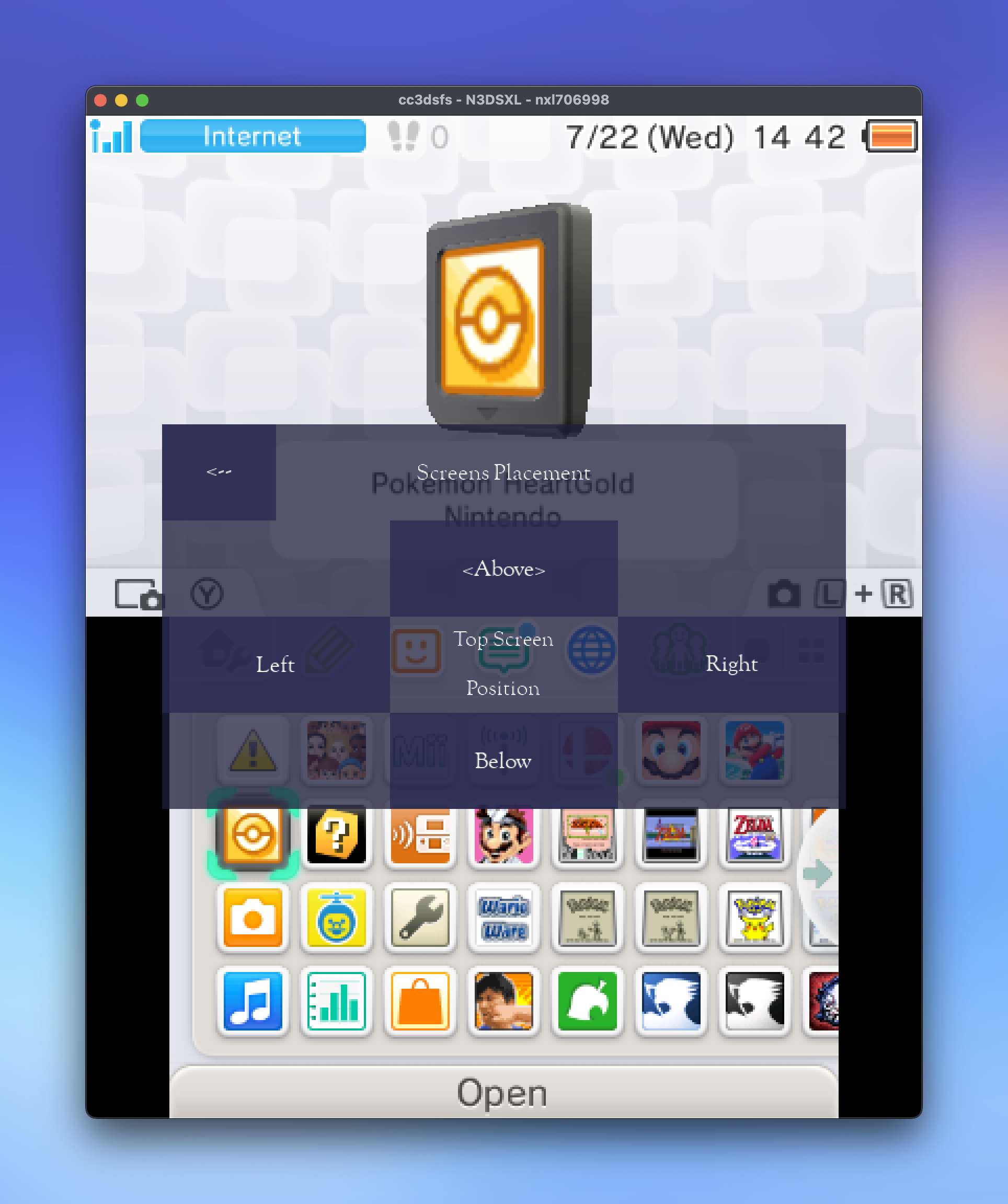
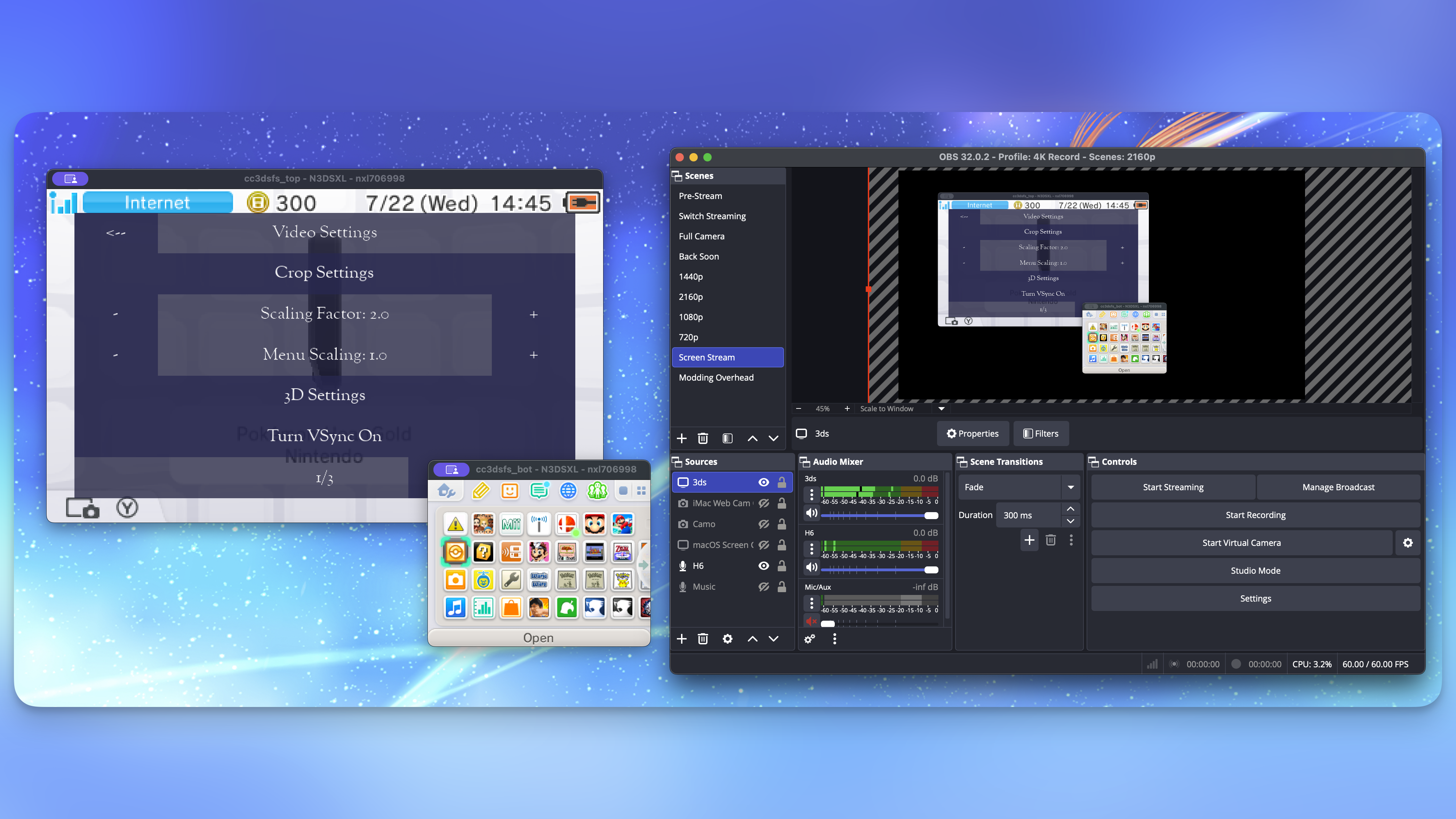
It is an unpleasant experience. Functional, but frictional. You can’t name profiles. The zoom alters mouse and button triggers, so your mouse is never where it appears. The menus have that multi-platform, lowest quality denominator feel. And all cc3dsfs does is provide a window for the video signal from the console. All screenshots and recordings have to come from your computer using other software.
Good software should work, be snappy, and encourage you to use the software and do the thing. cc3dsfs never made me want to use it.
I've been dabbling with migrating my Pokémon from my GBA, DS, and 3DS runs for Chapter Select Season 6 and thought I should capture/document some of the process. But every time I thought to do it, the steps to make that happen would always deter me. I'd have to run the app, find or make a layout, layout the screens just right so OBS could record my computer monitor, and then do all the Pokémon migration shenanigans. It always felt like something I did not want to do and you never want that kind of friction when capturing gameplay. It should be as close to "boot console and press record" as possible.
While lamenting this state of affairs, I remembered that cc3dsfs operates under a MIT License, which allows folks to "use, copy, modify, merge, publish, distribute, sublicense, and/or sell copies of the Software." So I decided to point Claude Fable at the code base and see if it could build a dedicated Mac app version that was tailored to my tastes and needs.
That was a week ago. After a whole lot of testing, directing, refining, and more, I have a robust app that meets and exceeds my needs. I think it will do the same for you.
What Can DDDS Do?
I mean, step one is show the footage off your modded 3DS, right? It can do that. You can use integer scaling to bring up the video 9x on 3DS and 13x for GBA to make the footage 4K. For non-integer scaling, there's a sharp-bilinear shader that keeps things shimmer-free and looking sharp.
You can view and play in a window on your Mac and record independently of those settings. Want to play at 2x, but record at 9x? Go for it.1
Playing with the screens stacked side-by-side, but want to record the screens independently for the ultimate control in post-production? No sweat.
Need to take screenshots at 9x, but just want to record at 4x and play at 2x? You got it.
All of these actions can be done with customizable keyboard shortcuts or from the menu bar. In fact, you can close the windows and record directly from a menu bar application as well.
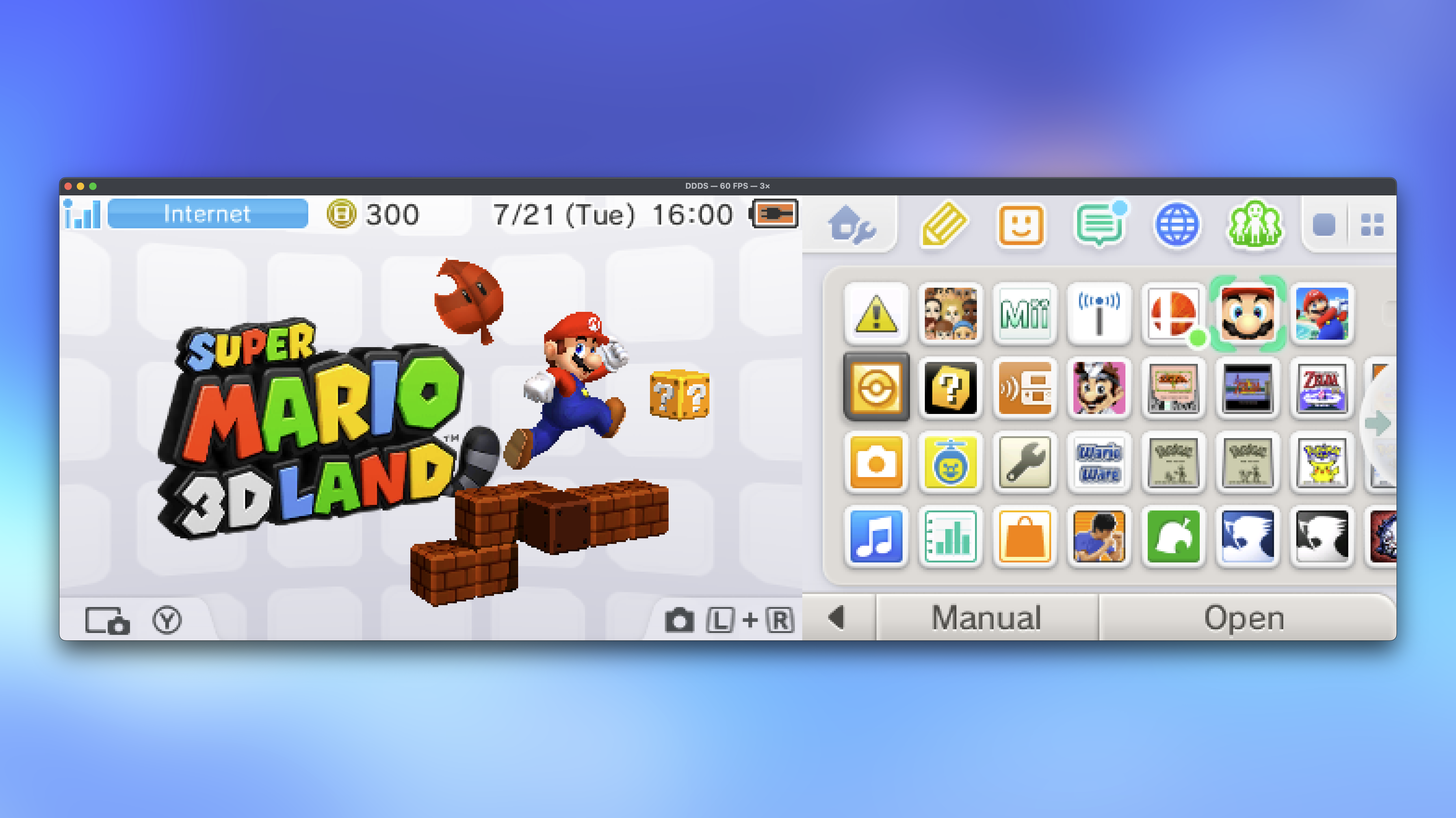
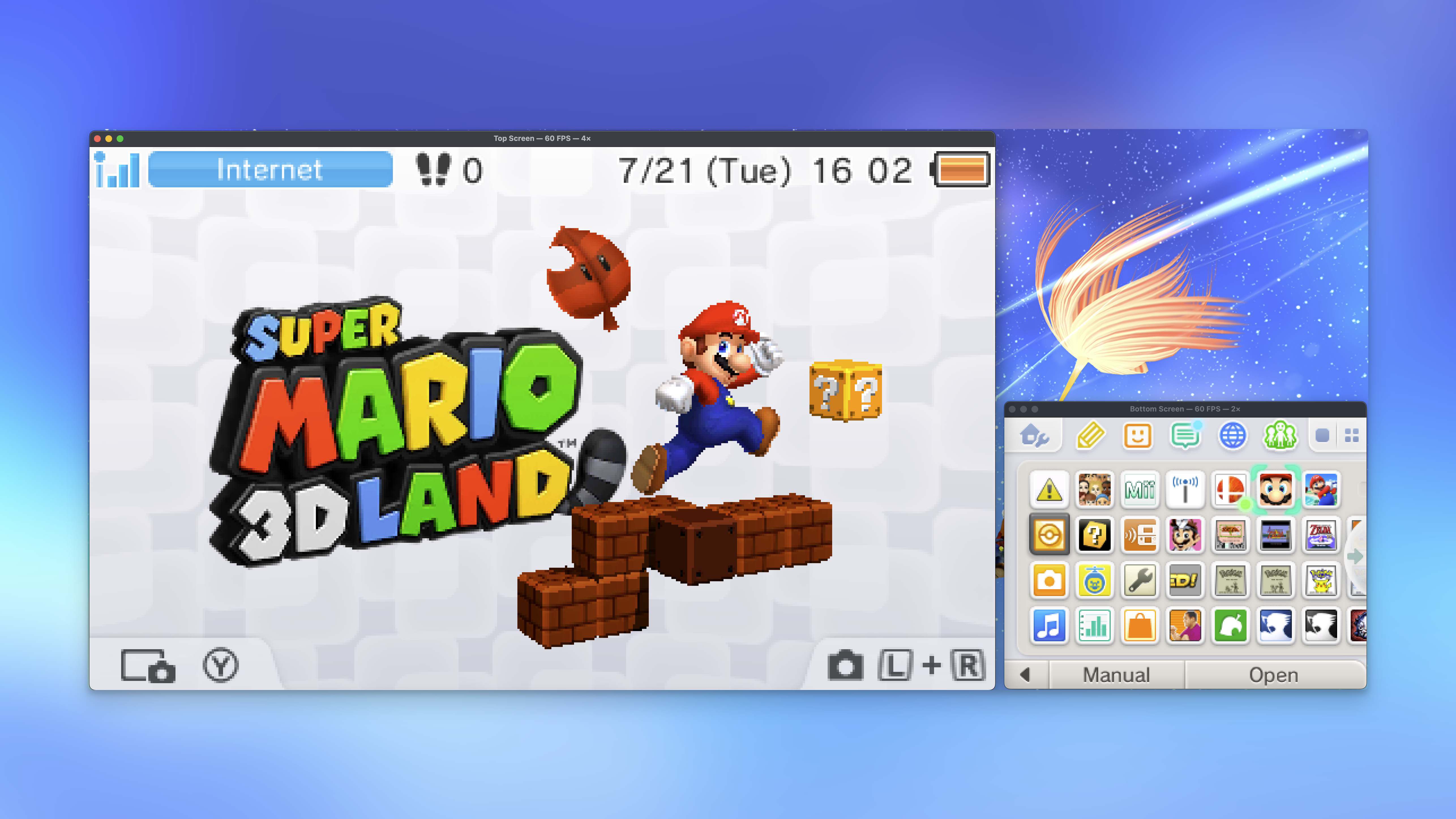
The screens can be stacked vertically or horizontally or split apart for you to display them however you want. There's a Big Screen mode that scales to the largest integer scale on the connected TV. If you are a streamer and want to create a custom layout, you can do so the traditional way with windows and recording the screen from OBS. You can even drag in an image of your stream layout/background and structure the windows how you want in the Layout Designer.
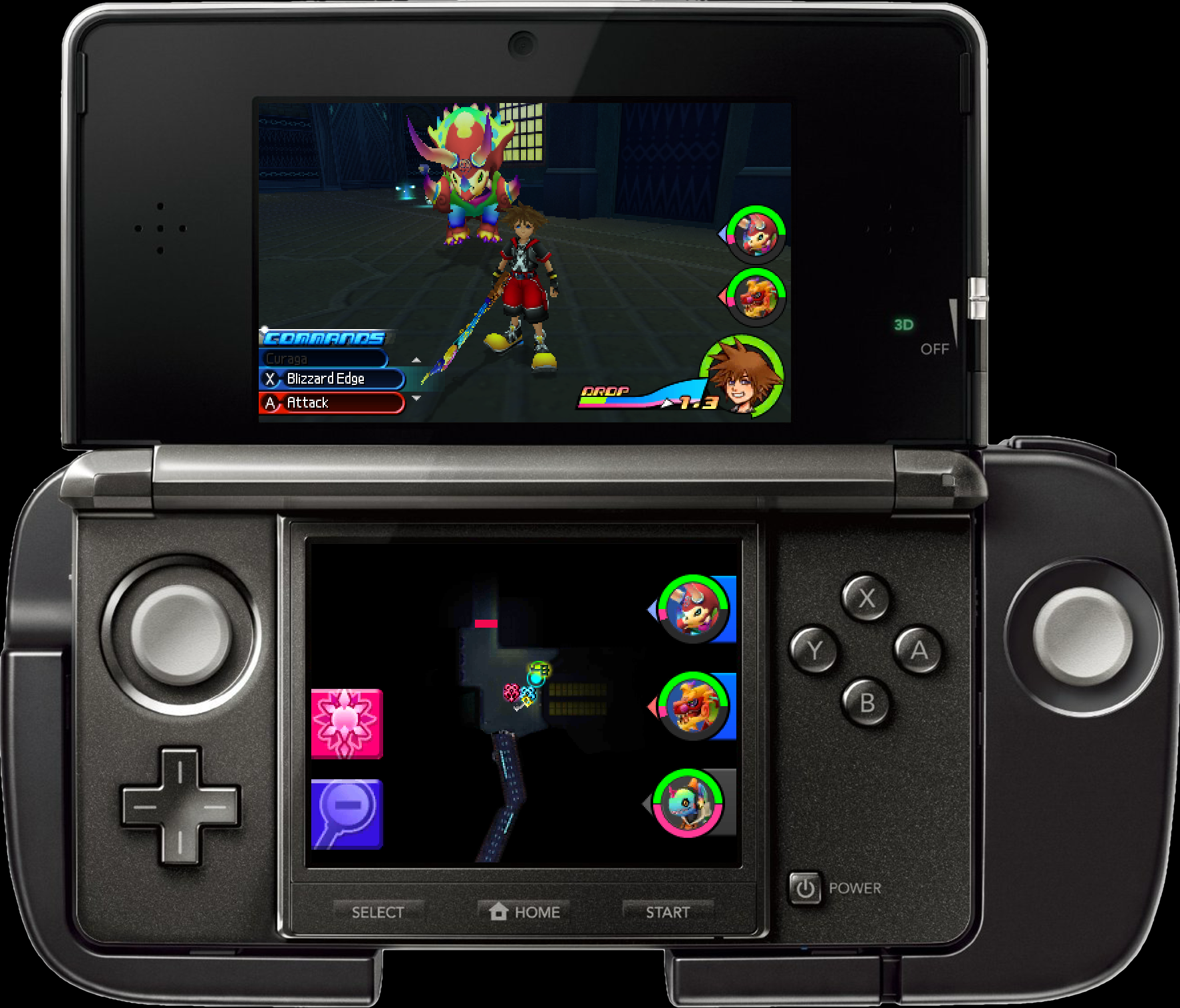
One of my favorite features is the console overlays. I've gone around and gathered the nicest quality renders of real hardware and built them in as display options. You can capture or play with that super official feeling look with a wide variety of consoles, including original DS and GBA. Don't worry, I didn't forget the Circle Pad Pro.
What Can DDDS Not Do?
The only thing I wanted to build in, but could not because I do not have an Apple Developer account is a virtual camera and audio feed to pipe directly into an app like OBS. There is an extension behind a restricted entitlement. It always feels like a work around when I record a screen in software like that, so I thought (and still think!) this feature would be nice, but the app is free and I don't want to pay $99/year to keep it for an app with a undoubtedly small audience.
No Apple Developer account also means the app is not notarized. You'll have to do the security song and dance to get it to run.
I am sure there are other things the app cannot do, but you'd have to tell me.
Why Use AI?
Because I could never build this. I could never afford to hire someone to build this. No one else would make this app. I am in a niche of a niche of a niche here. I think this app has immense value to others besides me though. Claude Code is a remarkable coding tool for someone like me. It sounds like a remarkable tool to my friends that do programming too.
It absolutely was only possible because of the work of Lorenzooone and others for cc3dsfs. Their video core for the 3DS capture mod is the beating heart of this app. I had Claude build the Mac body around it with the sensibilities a Mac user would expect. This is a tool I have wanted for ages and I was able to use another tool to make it a reality. I think that is pretty powerful and pretty cool.
Support
I'm not quite sure what the future of the app looks like. I'll be straight up. I built this for me and think others would benefit from it too. As long as I am capturing this kind of footage, I'll be using my tool. With that will come updates and I'll be sure to upload new versions. I think this 1.0.1 is solid enough and hope you do too. If you need help or have ideas, feel free to send me an email.
Screenshots
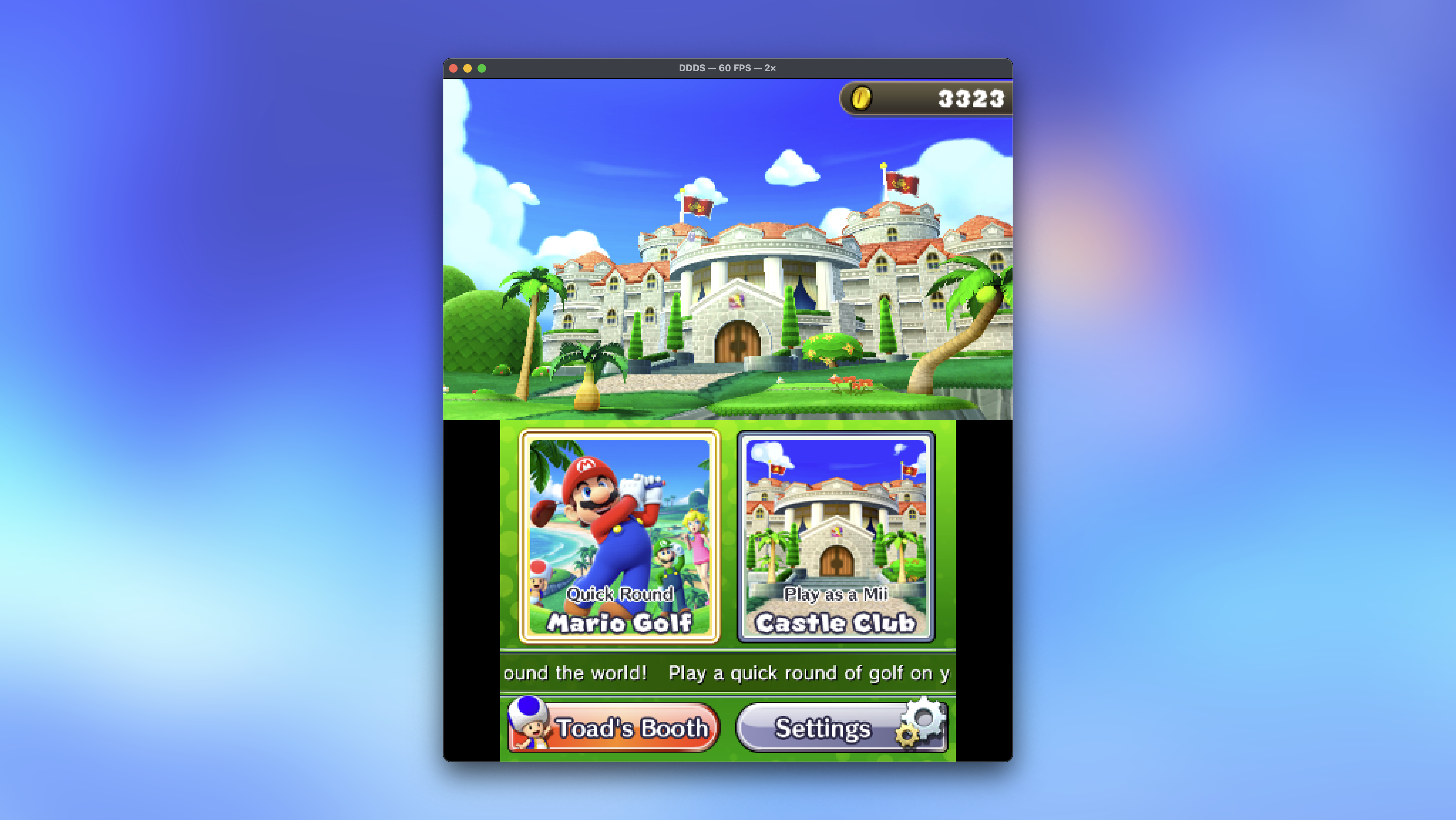
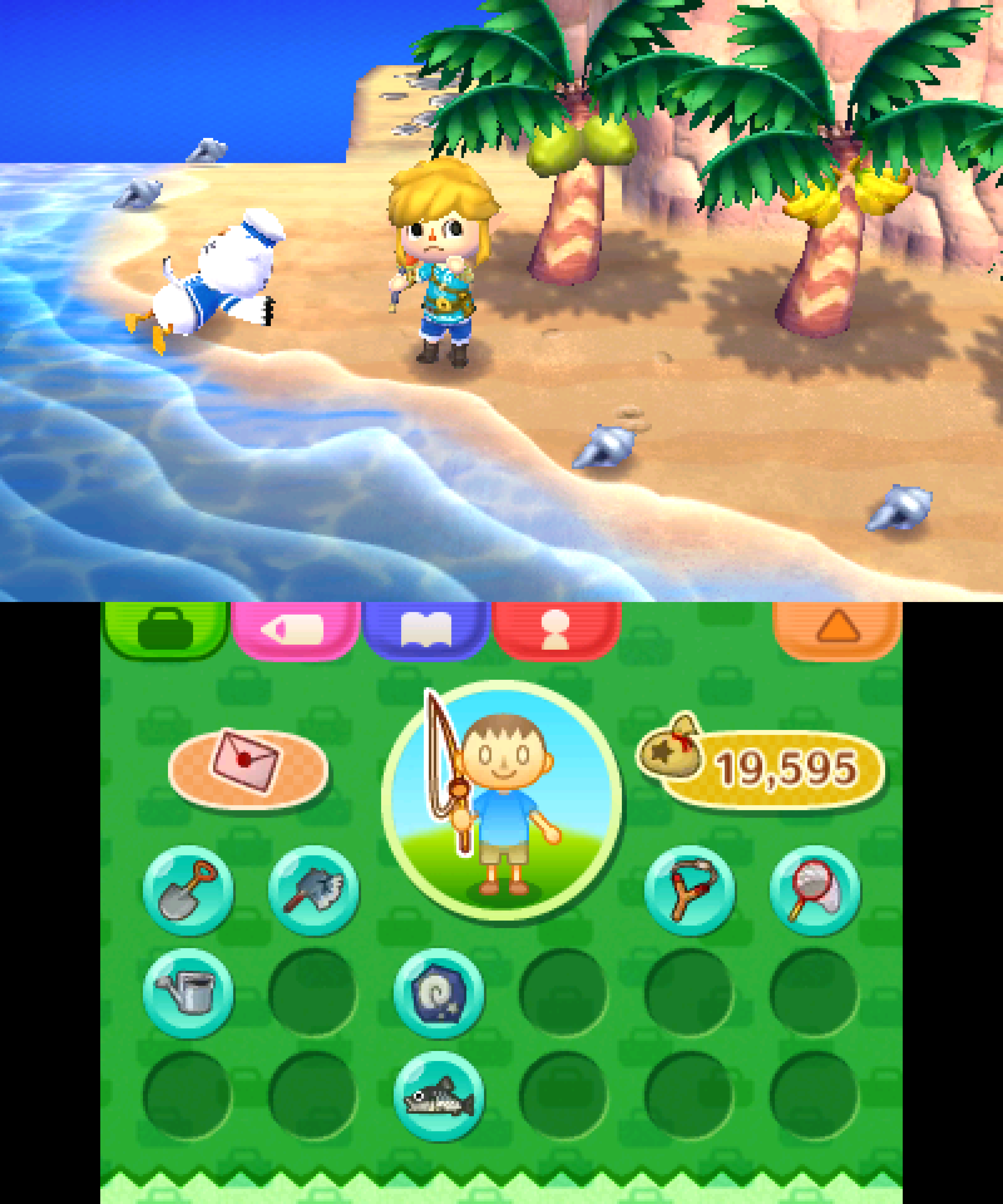
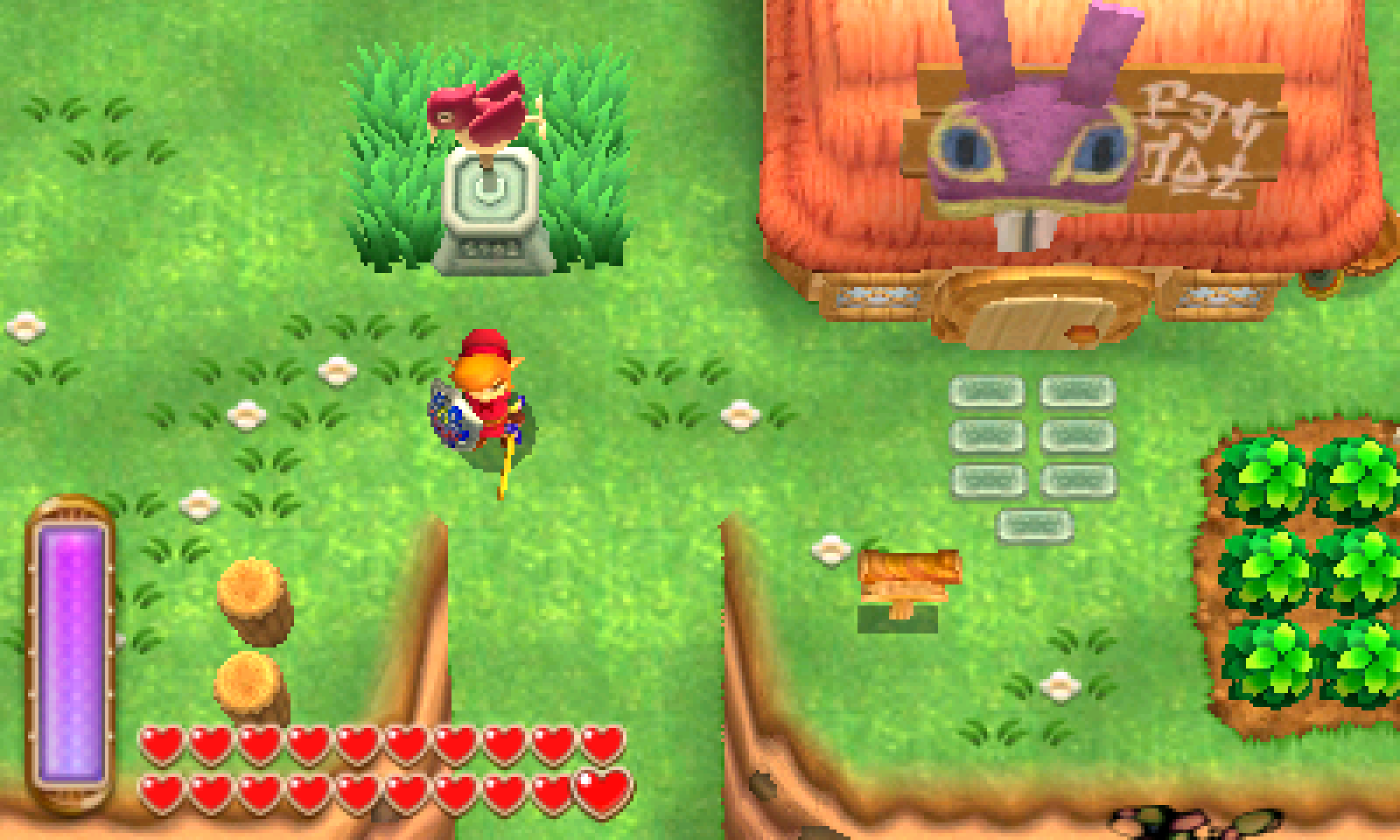
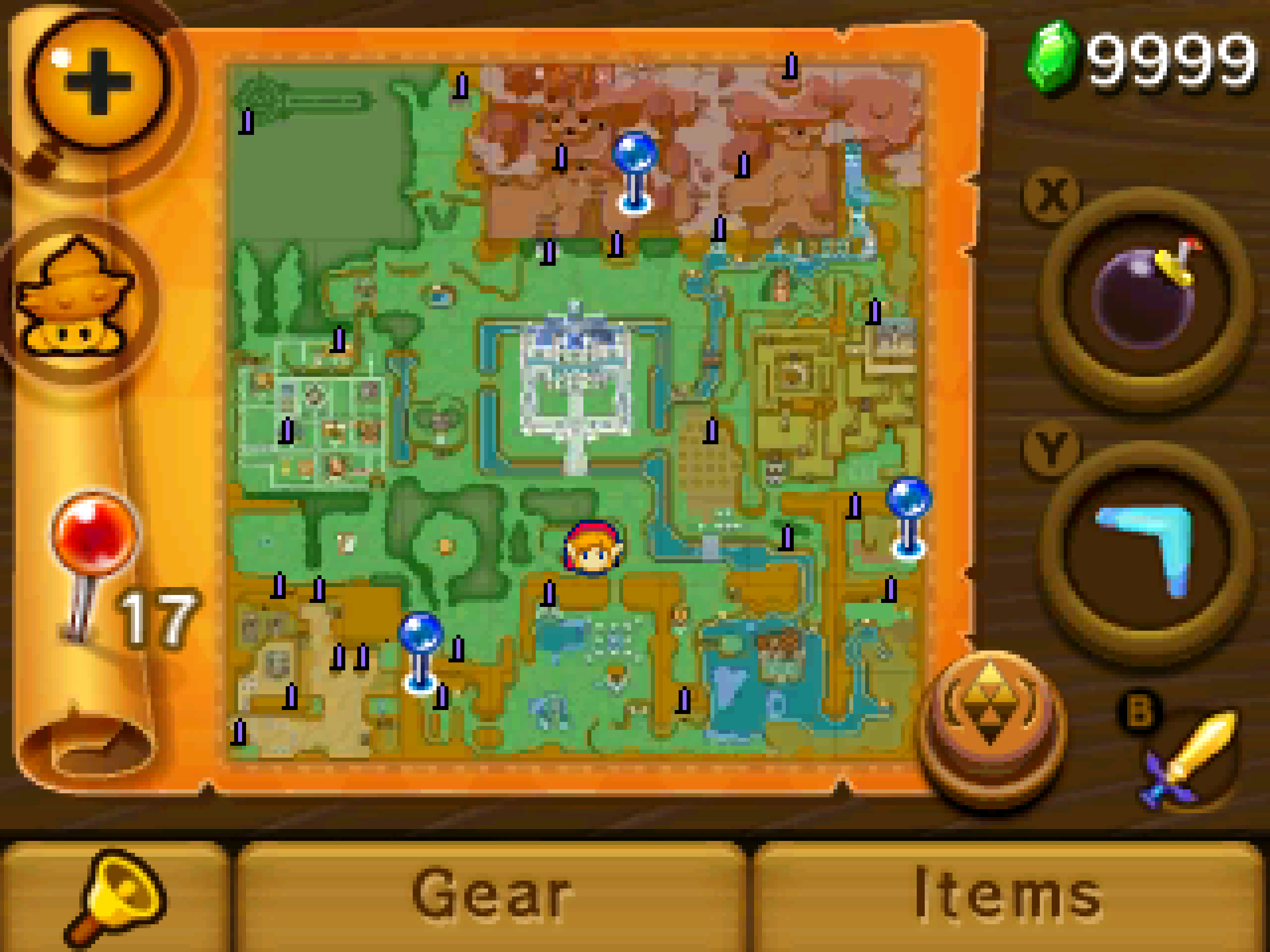
Videos
Super Mario 3D Land 4K Test Footage
2DS Overlay Footage
Footnotes
-
If you have a powerful enough Mac. 😅 ↩